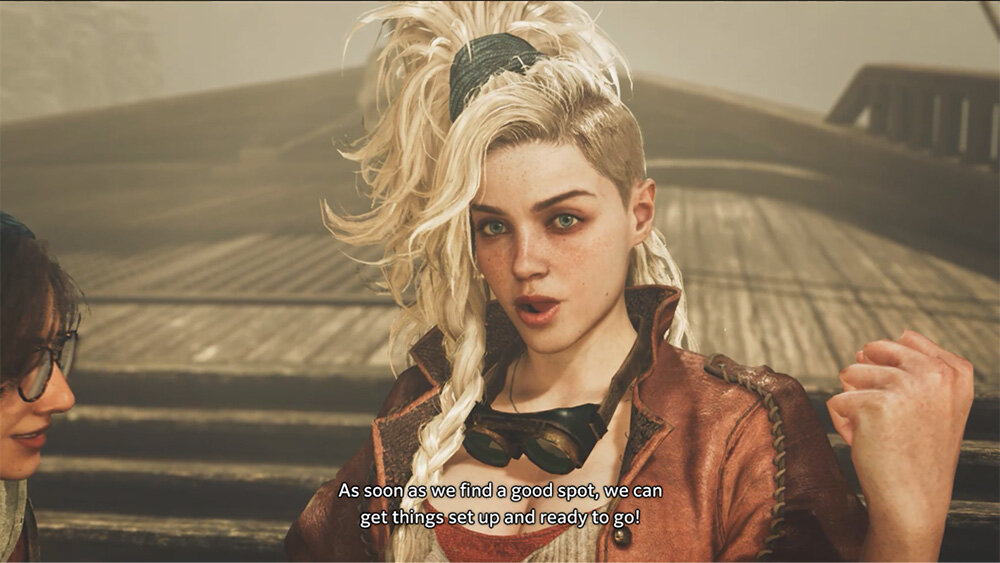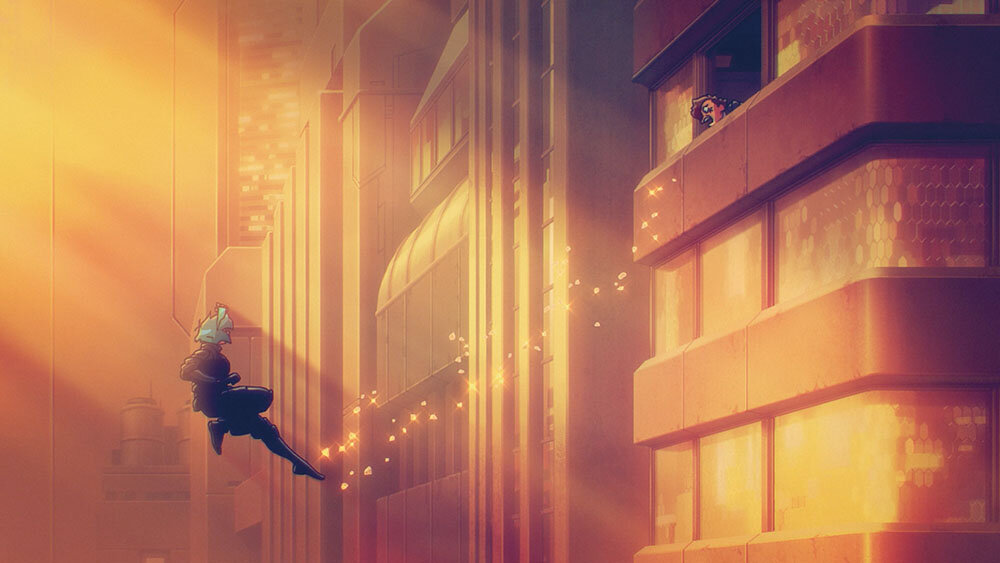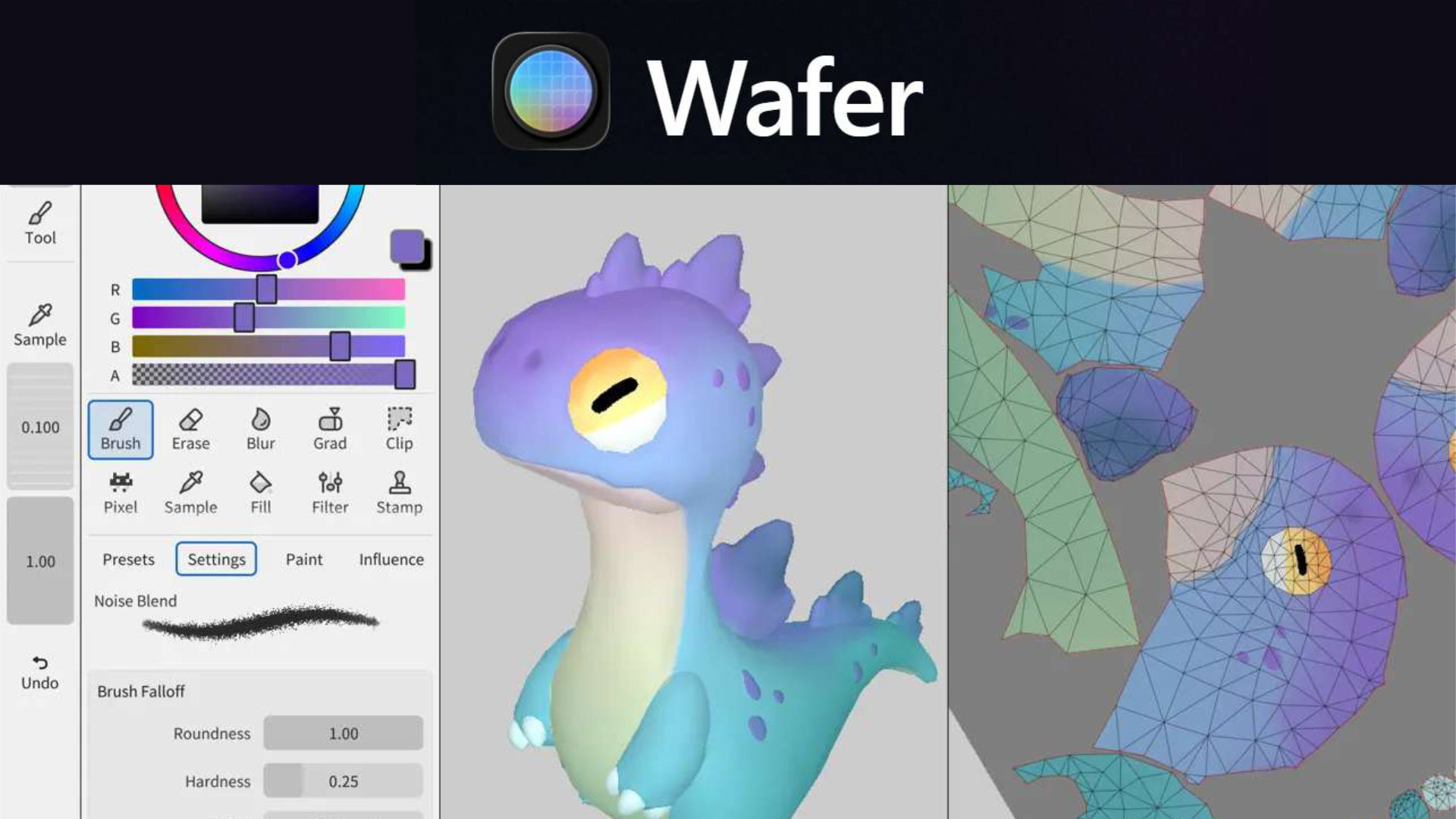
Sparsealは2月24日(火)、iPad用3Dテクスチャペイントツール「Wafer」をリリースした。NPR(Non-Photorealistic Rendering)アセットや手描きスタイルのテクスチャ制作に特化する。アプリは無料でダウンロードできるが、ドキュメントの保存やエクスポートを行う機能の利用にはアプリ内課金(3,000円)が必要。
Introducing Wafer
— Sparseal (@sparseal) February 24, 2026
A new 3D texturing software focused on stylized, hand-painting and NPR assets.
Built for extreme performance, compatibility and energy efficiency.
Now available for iPad pic.twitter.com/h5CZLLGkTJ
Introducing Wafer
A new 3D texturing software focused on stylized, hand-painting and NPR assets.
Built for extreme performance, compatibility and energy efficiency.
Now available for iPad「Wafer」をご紹介します。
手描きスタイルやNPR(非写実的レンダリング)アセットに特化した、新しい3Dテクスチャペイントソフトウェアです。
極めて高いパフォーマンス、互換性、そして電力効率を備えた設計になっています。
iPadでご利用いただけるようになりました。
「Wafer」は、一般的なペイントツールと同様のブラシやレイヤー構成を、3Dモデルの表面に対して直接適用できる使い慣れたワークスペースを提供する。筆圧と傾き検知に対応した描画ツールには、ブラシだけでなく、なげなわツールによるクリッピング、グラデーション、水彩風のにじみ表現(Wet paint)、ぼかし機能などが含まれる。
レイヤーシステムは非破壊的設計で、ペイントレイヤーや塗りつぶしレイヤー、編集可能なマスク、ブレンドモード、不透明度の調整に対応。さらに、3D空間および2D空間のそれぞれで独立したピボット(軸)を設定できるシンメトリー描画機能も搭載する。
ペイント作業は、3DビューとUVビューを横に並べ、同期させながら進めることができる。PBR(Physically Based Rendering、物理ベースレンダリング)のラフネス、メタルネスなど、複数チャンネルを1回のストロークで同時に塗ることができるのも特徴。
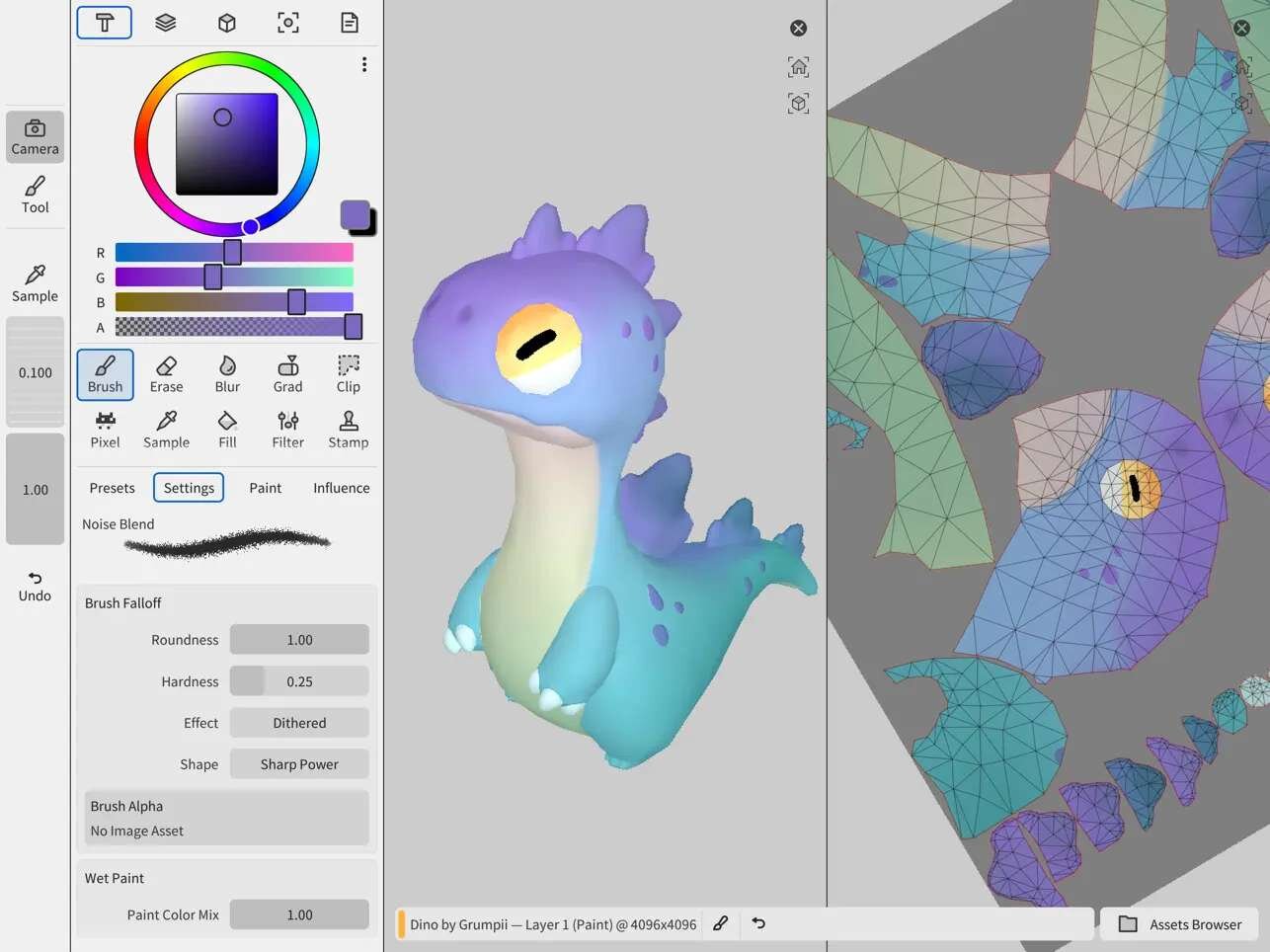
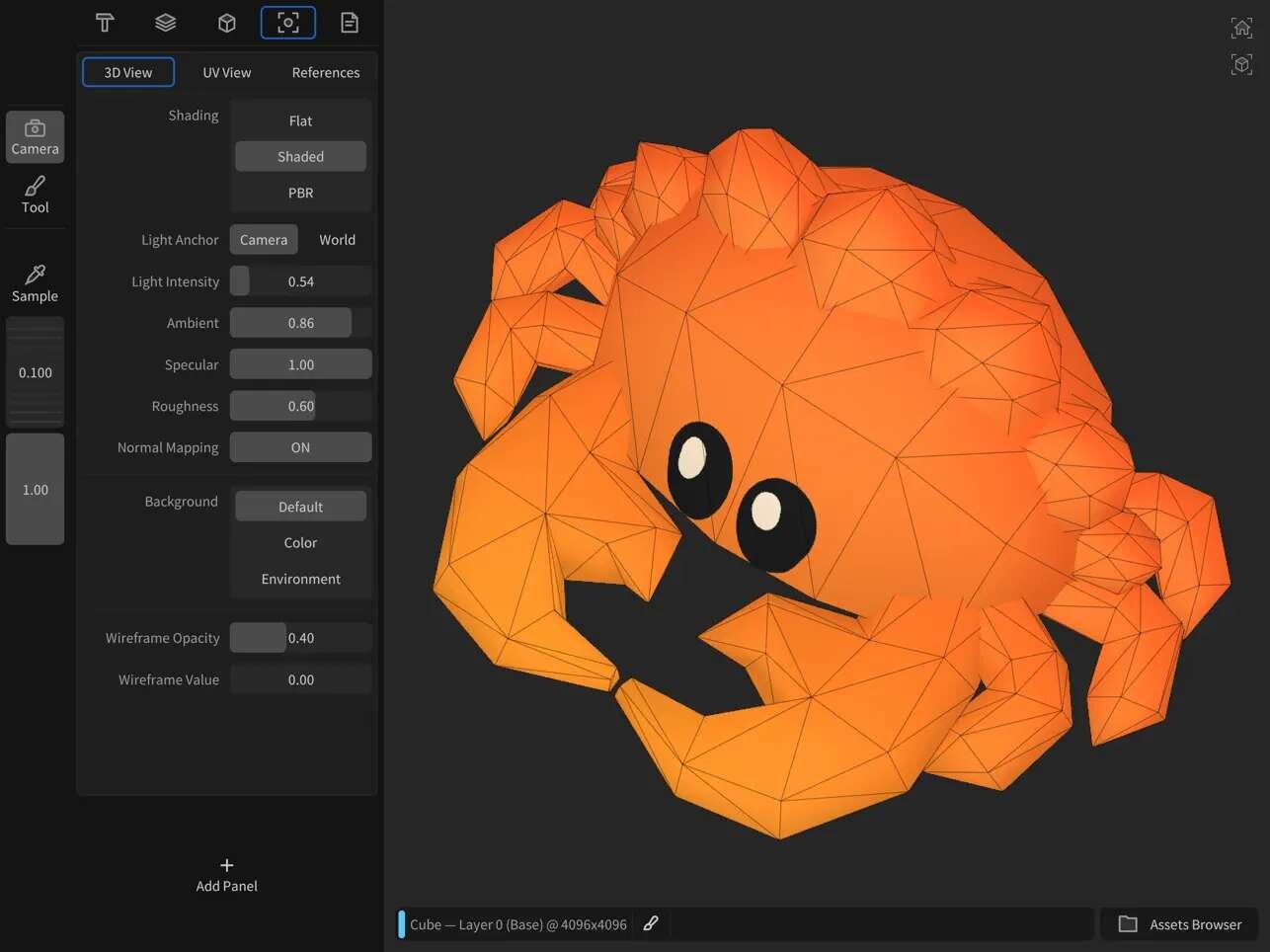
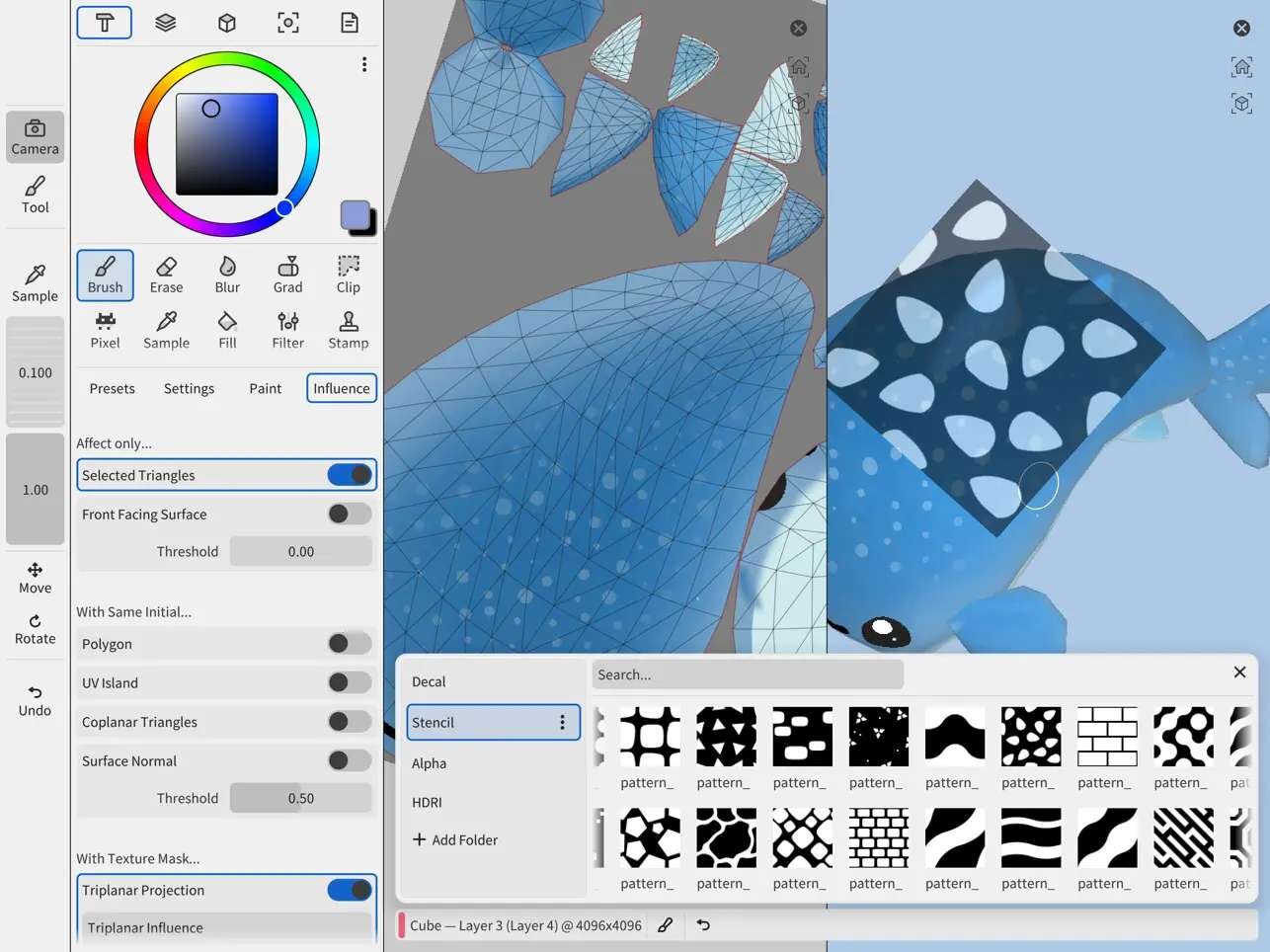
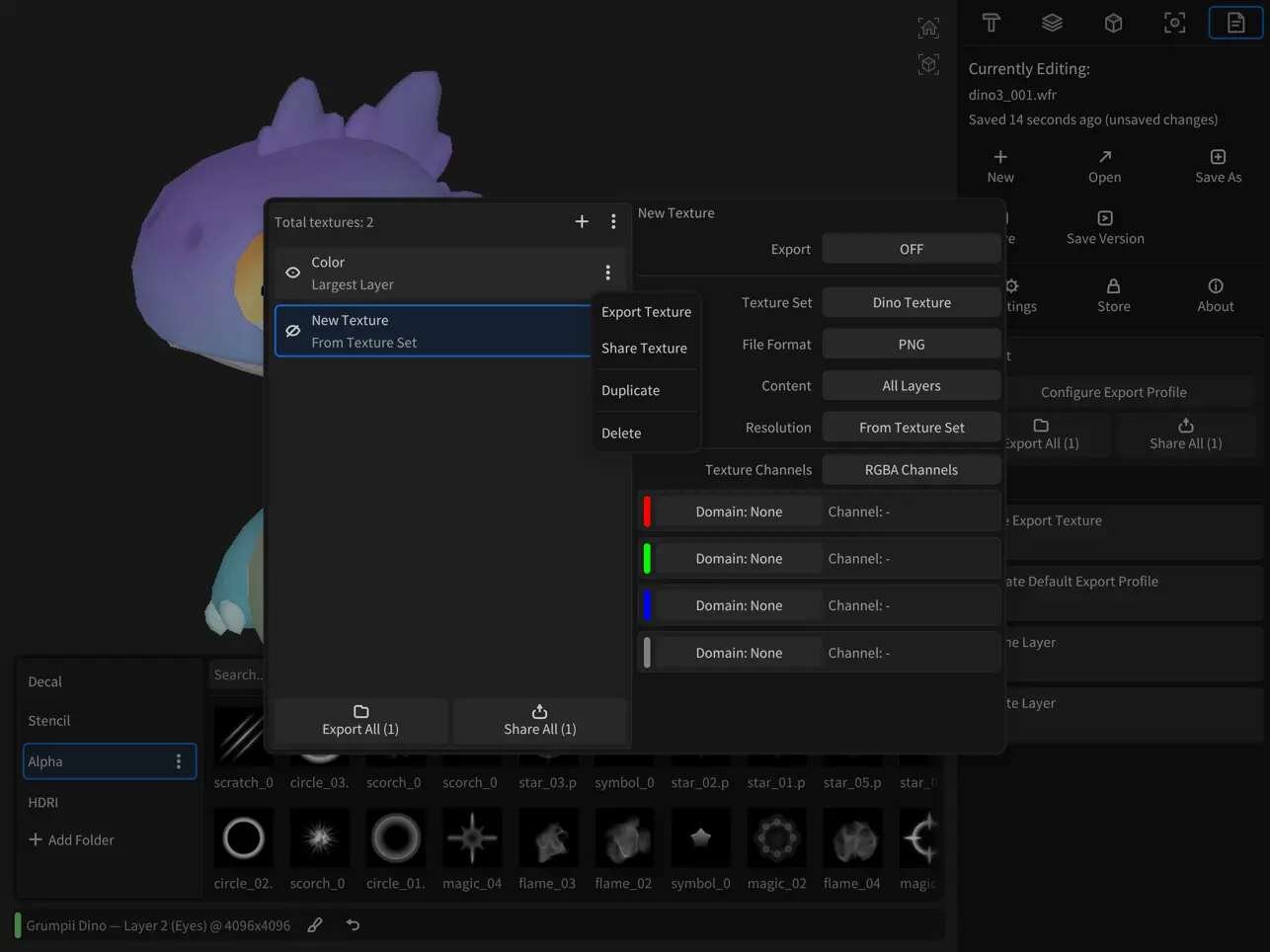
アプリには、3方向からテクスチャを投影して貼り付けるTriplanar Projectionsや、アルファブラシ、デカールなどを統合管理するアセットブラウザを備える。さらに、面の向きやUVアイランドによってツールの影響範囲を制御するインフルエンスシステムなども搭載する。
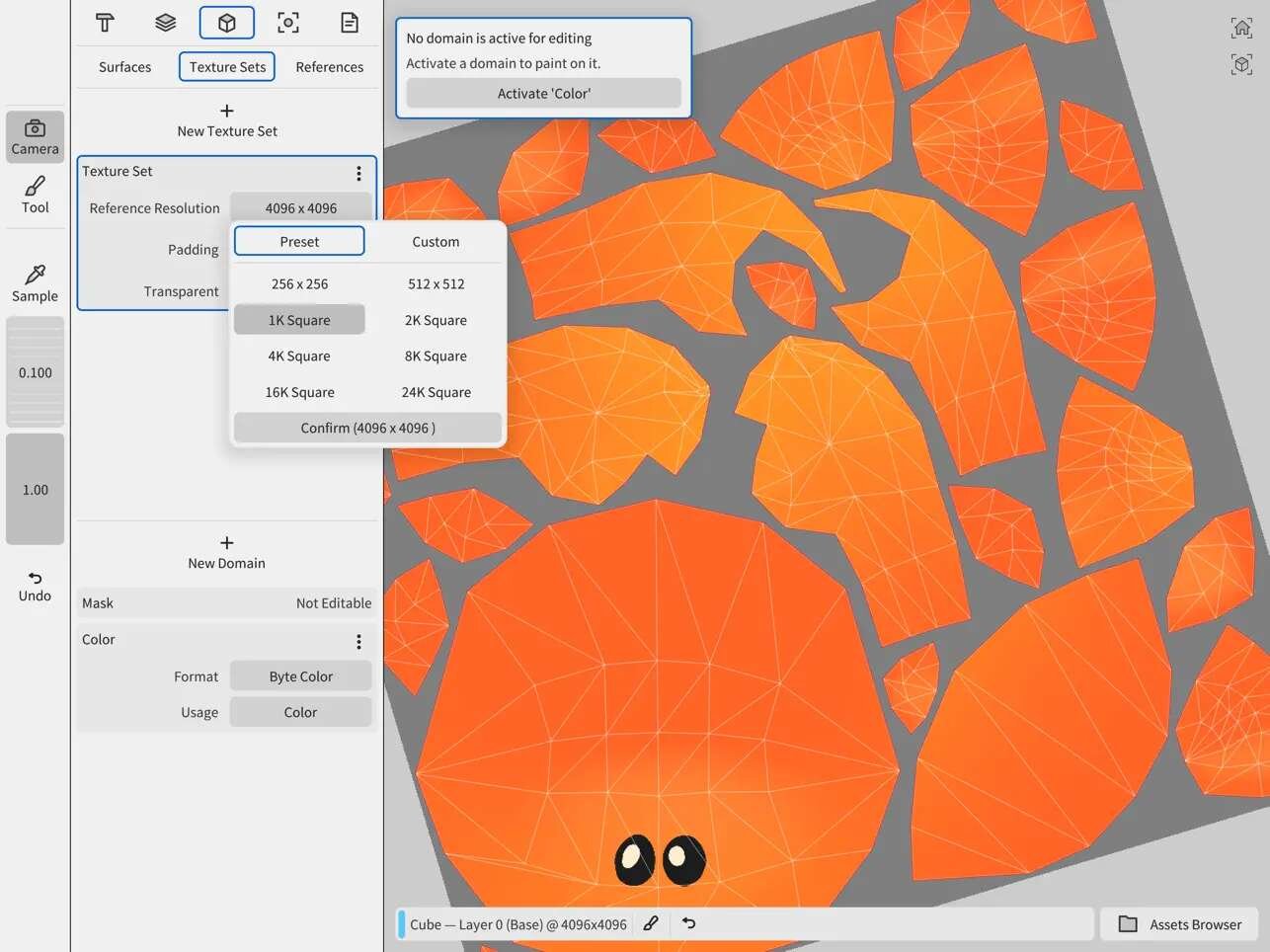
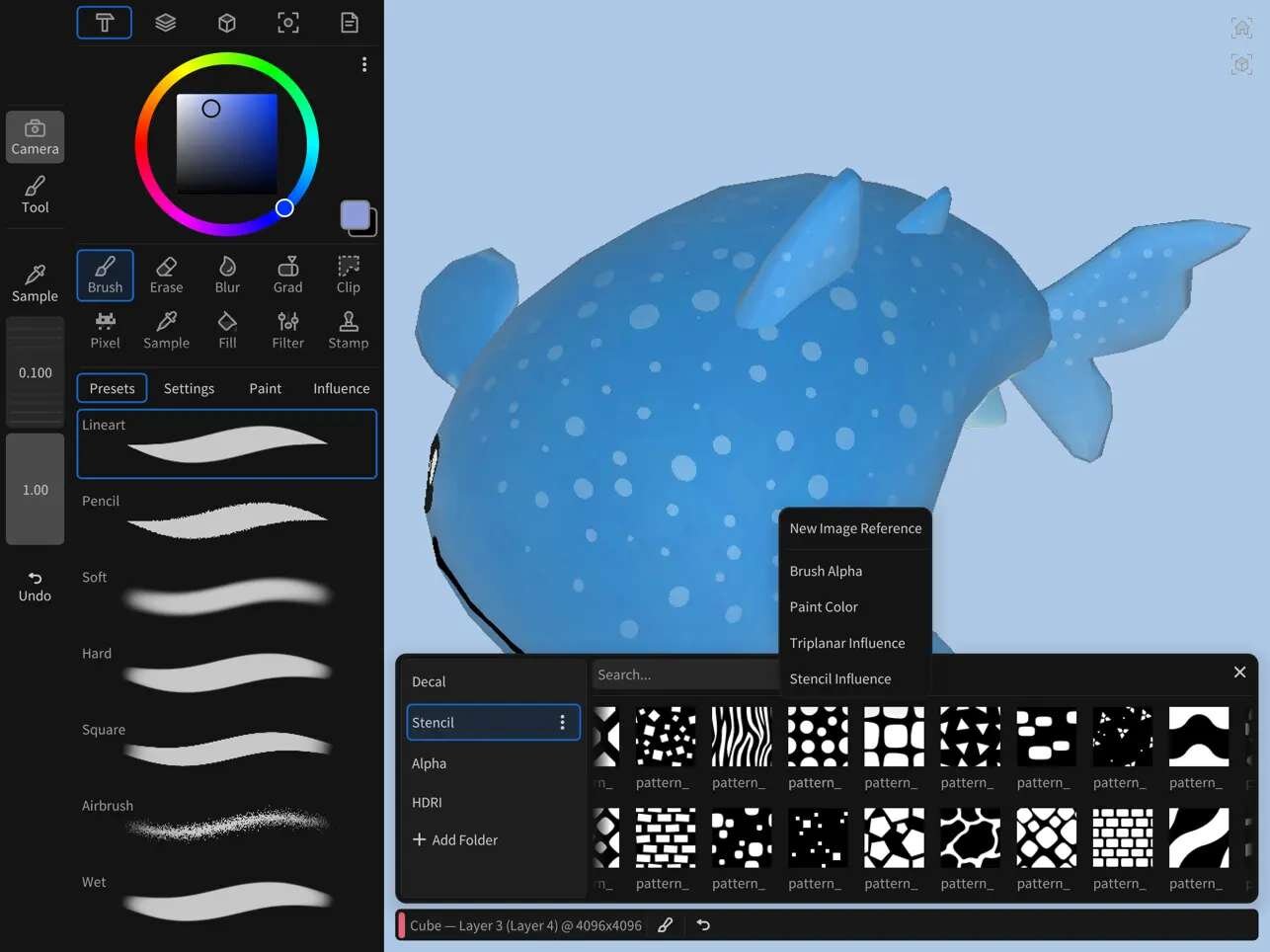
24K texture painting (36 × 4K tiles) on a 2018 iPad Pro (3rd gen), with full per-pixel control and responsive blending.
— Sparseal (@sparseal) February 24, 2026
Wafer has no texture resolution limits. It captures extremely fine details from stencils and alphas while running smoothly on older hardware. pic.twitter.com/PcljIL0h17
24K texture painting (36 × 4K tiles) on a 2018 iPad Pro (3rd gen), with full per-pixel control and responsive blending.
Wafer has no texture resolution limits. It captures extremely fine details from stencils and alphas while running smoothly on older hardware.2018年モデルのiPad Pro(第3世代)において、ピクセル単位の完全な制御とレスポンスの良いブレンドで、24Kテクスチャペイント(4Kタイル×36枚)が可能です。
Waferにはテクスチャ解像度の制限がありません。古いハードウェア上でもスムーズに動作しながら、ステンシルやアルファ(透過素材)からの極めて細かいディテールを捉えます。
Waferは、クロスプラットフォームに対応した独自のUIツールキットやレンダラを中心に構築されている。これら全てがRust(安全性と速度に特化したプログラミング言語)およびWGPU(WebテクノロジベースのグラフィックスAPI)で書かれており、最適化されているという。その結果、Apple Pencilに対応した最も古いモデルである2015年発売のiPad Pro(第1世代)でも16K(16,384×16,384ピクセル)のテクスチャペイントがスムーズに動作し、2018年発売のiPad Pro(第3世代)では最大24Kという超高解像度(4K解像度のタイル36枚分)での処理を実現している。テクスチャの解像度やレイヤー数が増えてもツールの動作速度はほとんど低下せず、低電力消費によって長時間の作業でもデバイスの発熱を抑えられるとのことだ。
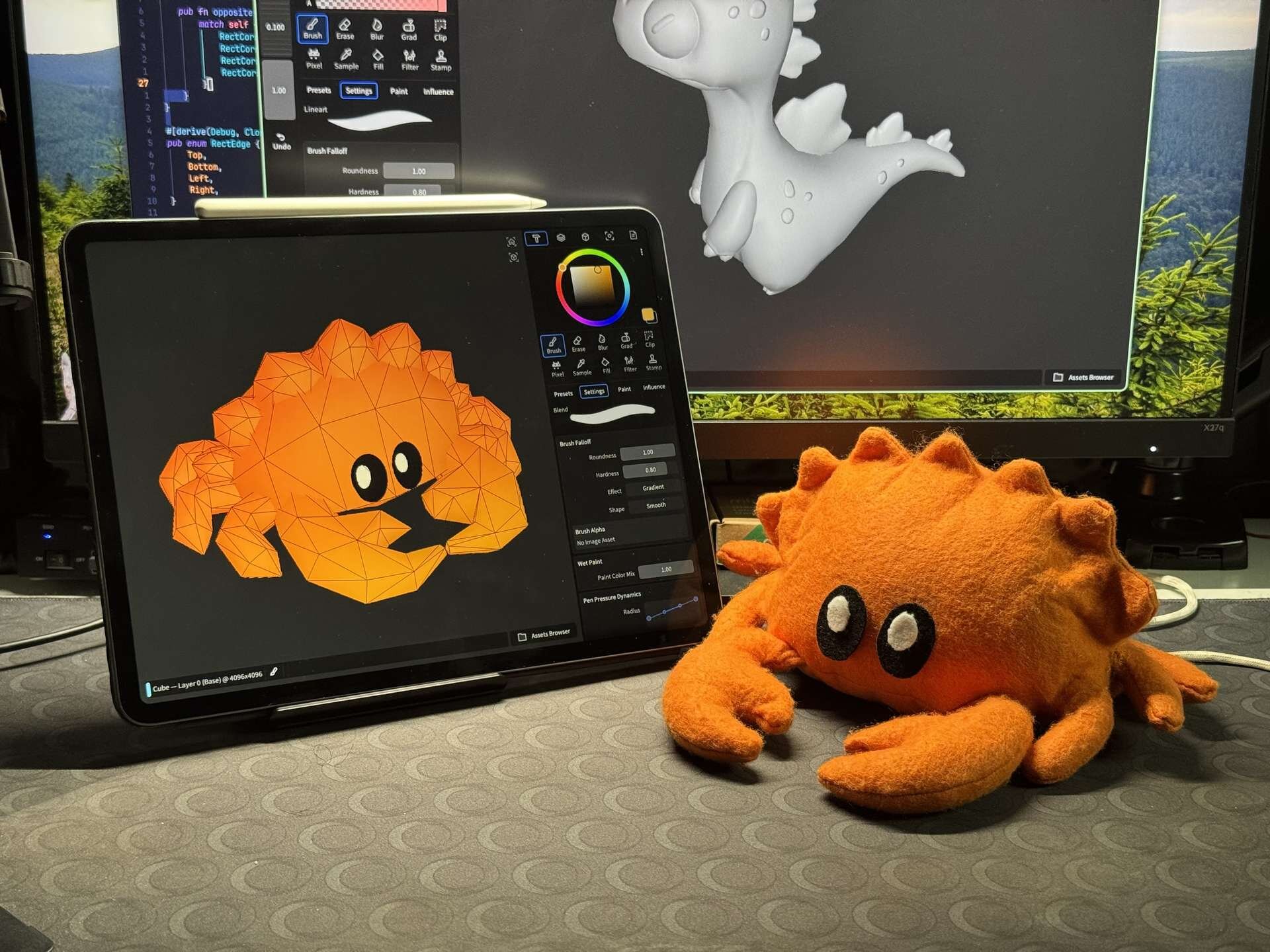
Wafer is our first product built entirely on our own cross-platform UI toolkit, application framework, renderer, and geometry processing libraries. The entire stack is written in Rust and WGPU.
We plan to continue building on this foundation for future updates and products.Waferは、当社独自のクロスプラットフォーム対応UIツールキット、アプリケーションフレームワーク、レンダラ、およびジオメトリ処理ライブラリのみで構築された初めての製品です。システム全体がRustとWGPUで記述されています。
今後のアップデートや新製品についても、この基盤の上に構築し続けていく予定です。
16K texture painting on a 2015 1st Gen 9.7-inch iPad Pro, the least powerful iPad with Apple Pencil support.
— Sparseal (@sparseal) February 25, 2026
Wafer’s tool performance is barely affected by texture resolution or layer count. It is also optimized to run efficiently on low-memory devices. pic.twitter.com/1MPzkyVbg0
16K texture painting on a 2015 1st Gen 9.7-inch iPad Pro, the least powerful iPad with Apple Pencil support.
Wafer’s tool performance is barely affected by texture resolution or layer count. It is also optimized to run efficiently on low-memory devices.Apple PencilをサポートするiPadの中で最もスペックの低い、2015年発売の9.7インチiPad Pro(第1世代)での16Kテクスチャペイントの様子です。
Waferのツールのパフォーマンスは、テクスチャの解像度やレイヤー数による影響をほとんど受けません。また、メモリ容量の少ないデバイスでも効率的に動作するように最適化されています。
3/7にはバージョン1.1をリリース
Waferは2/24にバージョン1.0がリリースされ、3/7にはメジャーアップデートとなるバージョン1.1が配信。Wafer 1.1では、透明なオブジェクトやフィルタリングされたテクスチャ、VRMやFBXの3Dモデル読み込みをサポート。また、指先(Smudge)ツールやブラシの軌跡をランダムに散らすジッター(Brush jitter)機能の追加、さらには非多様体ジオメトリ(現実には存在し得ない異常なポリゴン構造、Non-manifold geometry)でのペイント対応なども実装されている。
Next Wafer update (1.1) will add support for loading .vrm files and painting in scenes with multiple transparent objects and filtered textures. pic.twitter.com/qqH3x8bsoL
— Sparseal (@sparseal) February 26, 2026
Next Wafer update (1.1) will add support for loading .vrm files and painting in scenes with multiple transparent objects and filtered textures.
Waferの次回アップデート(1.1)では、.vrmファイルの読み込みと、複数の透明なオブジェクトやフィルタリングされたテクスチャを含むシーンでのペイントをサポートする予定です。
Wafer 1.1 introduces support for transparent objects, filtered textures, and .fbx and .vrm imports, along with a smudge tool, brush jitter, painting on non-manifold geometry, and many smaller improvements and fixes. Available now. pic.twitter.com/RF451AcUh6
— Sparseal (@sparseal) March 6, 2026
Wafer 1.1 introduces support for transparent objects, filtered textures, and .fbx and .vrm imports, along with a smudge tool, brush jitter, painting on non-manifold geometry, and many smaller improvements and fixes. Available now.
Wafer 1.1では、透明なオブジェクト、フィルタリングされたテクスチャ、.fbxおよび.vrm形式のインポートのサポートに加え、指先ツール、ブラシのジッター、非多様体ジオメトリ上でのペイント機能、その他多数の細かな改善と修正が導入されました。現在配信中です。
■Wafer - 3D Texture Paintアプリ(App Store)
https://apps.apple.com/jp/app/wafer-3d-texture-paint/id6759056701
■Wafer公式ページ
https://sparseal.com/wafer/
CGWORLD関連情報
●Cinema 4Dに3Dモデル生成AI「Tencent HY 3D」統合! 今年後半リリースのiPad版Cinema 4Dから搭載
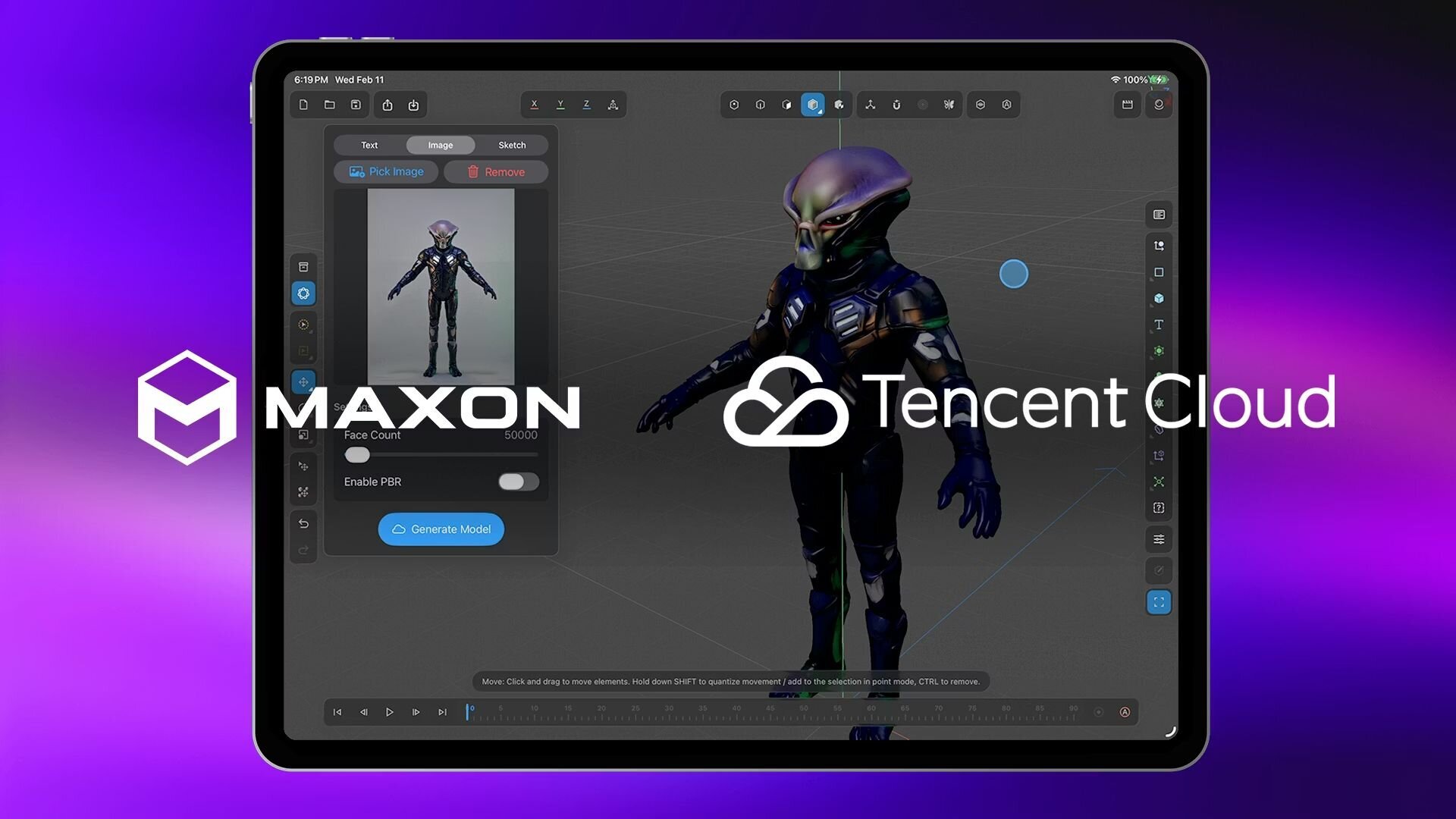
Maxon ComputerとTencent Cloudが、Cinema 4Dに3Dモデル生成AI「Tencent HY 3D Global AI engine」を統合する戦略的パートナーシップを締結したことを発表。本統合機能はまず、2026年後半にリリース予定のCinema 4D for iPadに搭載され、その後デスクトップ版へ追加される予定。なお、HY 3Dの各種機能はクラウドを介して計算処理を行う関係上、Cinema 4Dのサブスクリプション料金とは別に、独自の追加価格設定が適用される可能性がある。
https://cgworld.jp/flashnews/01-202603-C4D-HY3D.html
●Blender タブレット版の開発が進行中! まずはオブジェクト操作とスカルプトの実現を目指す、SIGGRAPH 2025で技術デモ公開
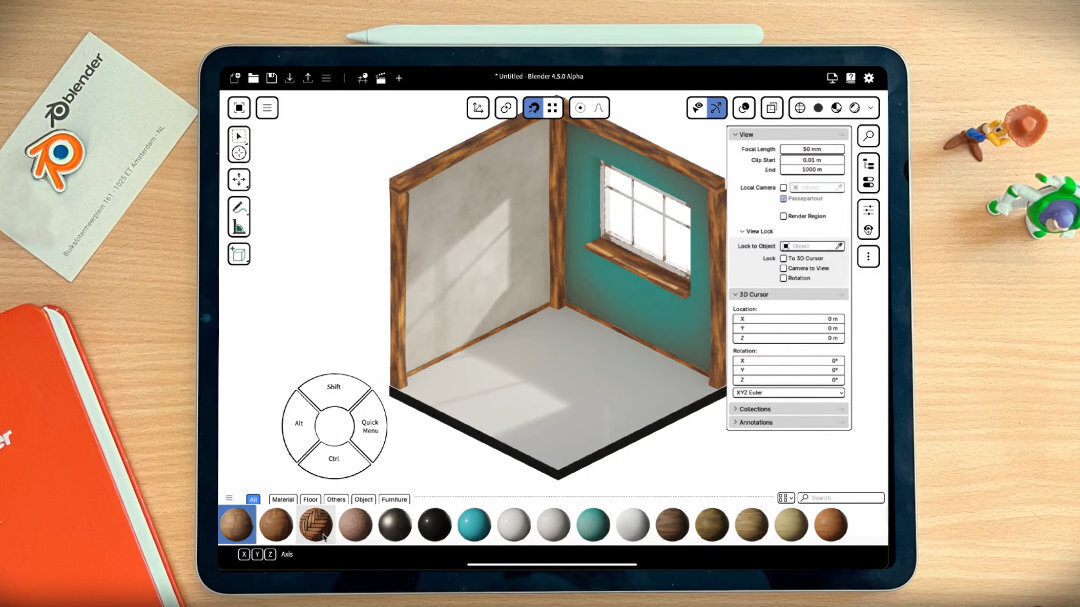
Blender FoundationがBlender Developers Blogの記事「Beyond Mouse & Keyboard」で、タブレット版Blenderの開発が進行中であることを公表。Blenderの全機能をタブレットなどのiPadをはじめとするマルチタッチデバイスで利用できるようにすることを目指し、初期の開発では基本的なオブジェクト操作とスカルプトに焦点を当てるとしている。
https://cgworld.jp/flashnews/01-202508-Blender-Tablet.html
●iPad用3DCGツール「Uniform 1.4」リリース! 新しいSDFモデリングシステム、UV編集機能、3Dプリント対応など
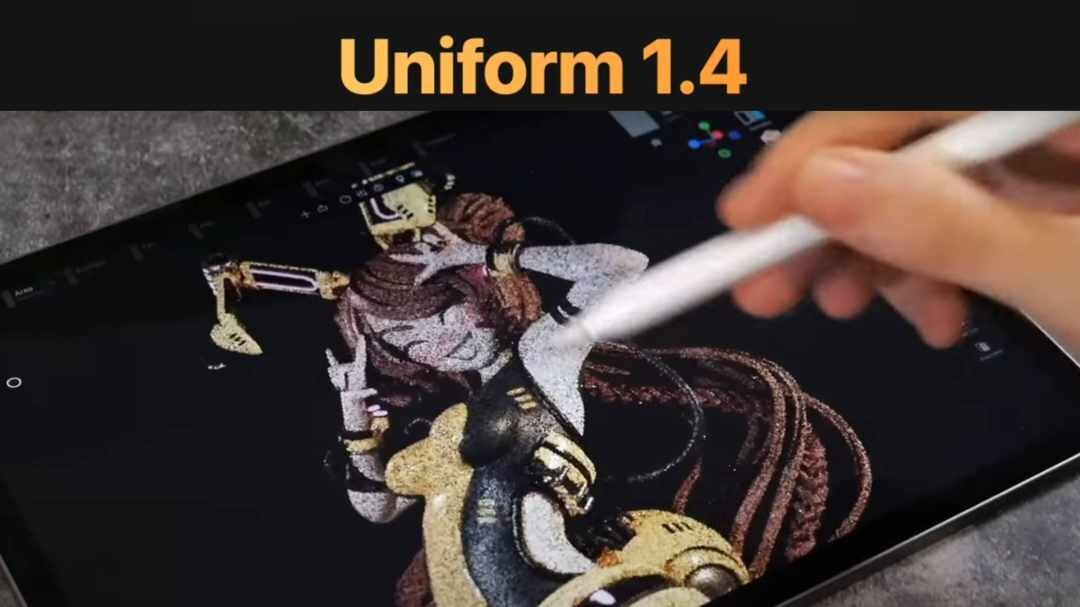
SparsealがiPad用の3DCGツール「Uniform 1.4」をApp Storeにてリリース。SDFモデリング、マニュアルUVマッピングとパッキング、3Dプリント用各種ユーティリティ、ブラシストロークの高速化などの新機能を実装している。価格は8,000円。
https://cgworld.jp/flashnews/01-202505-Uniform-14.html